
Fagna
The challenge
Most people are overwhelmed when planning large one-off events without professional know-how. Information about potential vendors is fragmented in most markets and it’s tedious to get information about availability or answers to specific questions.
Research
I interviewed two amateur and three professional event planners to learn about their process, challenges and motivations. The key research questions were:
- What causes the most stress for event planners?
- What drives and motivates event planners?
- What are the greatest risks to the event budget?
- What tools and resources do event planners wish they had at their disposal?
These findings stood out:
- The magic of event planning is seeing things come together and happen.
- Venue selection is a key activity - it can be very time consuming.
- Planners live off todo-lists and sometimes ignore digital project management tools that teams agree on, despite being collaborative.
- Knowing where to look and get deals with vendors can save a lot of time and money.
Persona
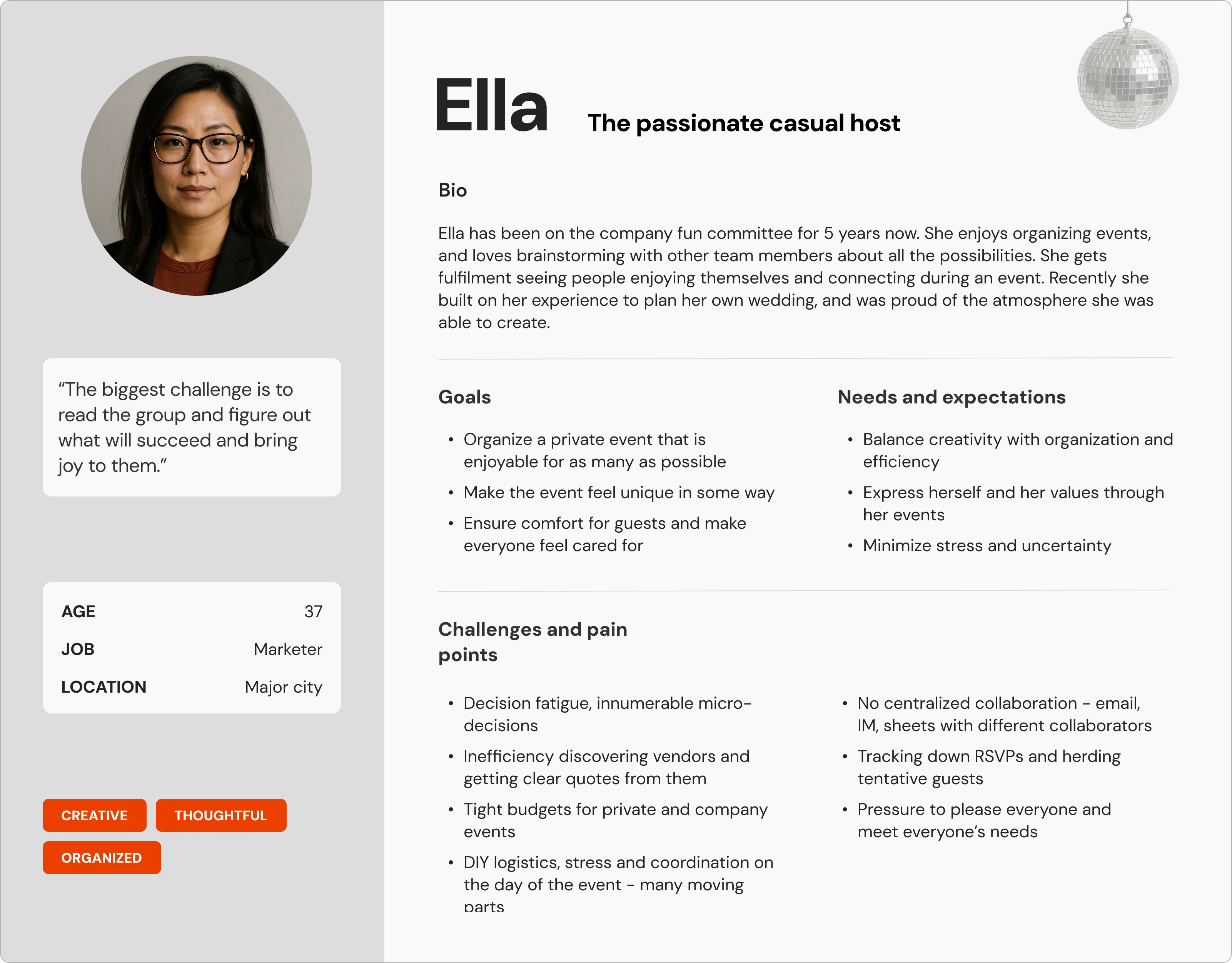
I created two personas, one based on the amateur planner and another on the professional planner. Ella is the archetype for the amateur planner.
Product vision
From this, the vision emerged: A product to help amateur planners access the resources currently only available to professionals. Help them be creative and collaborative and save time on admin or wasteful work. Below are the key features identified as useful:
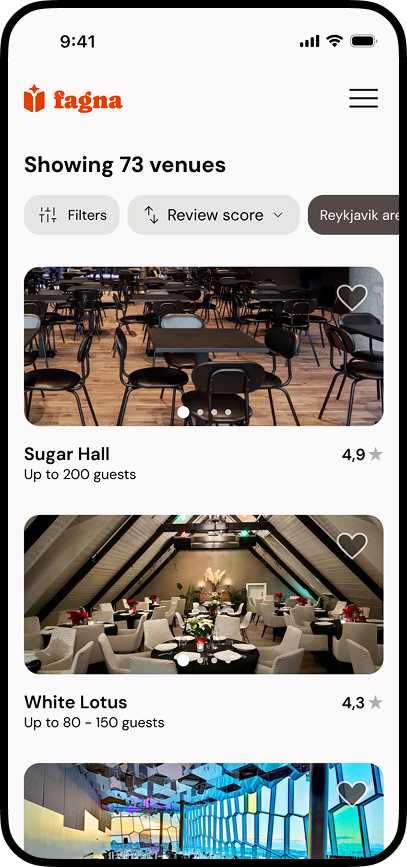
- Browse, search and explore event vendors
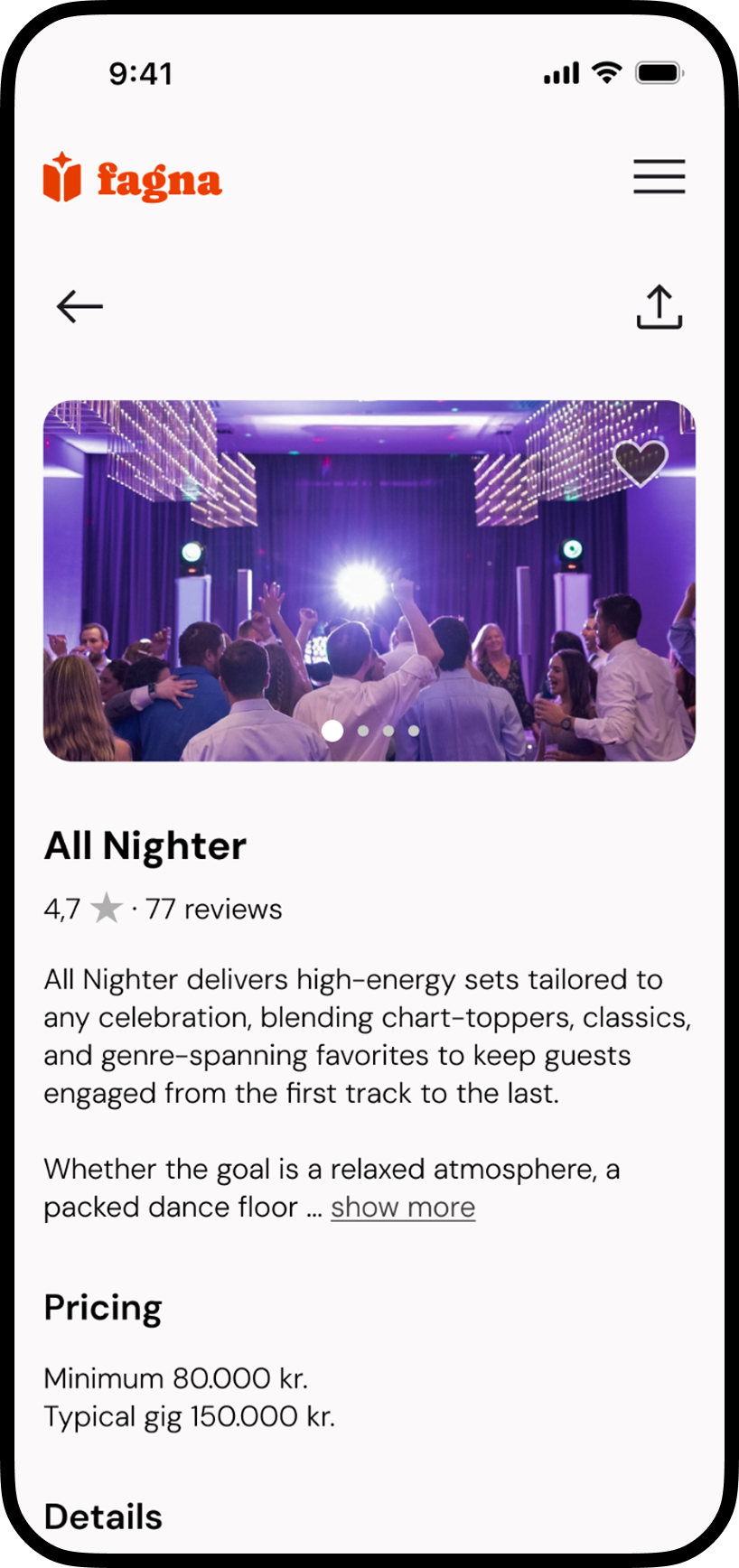
- Vendor profiles with photos, important details and reviews
- Contact and messaging between planner and vendor
- Access to planning advice, AI assistant and/or real person
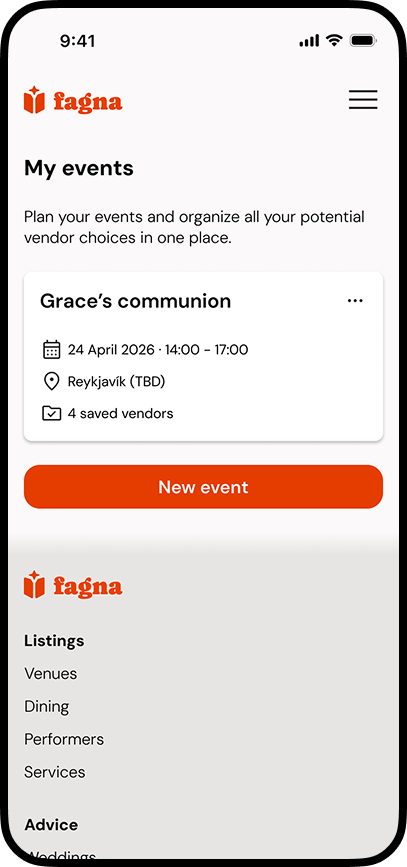
- Organize favorite and potential vendors (by event)
- Basic planning tools - to-do list
- Event invite and RSVP
Sitemapping
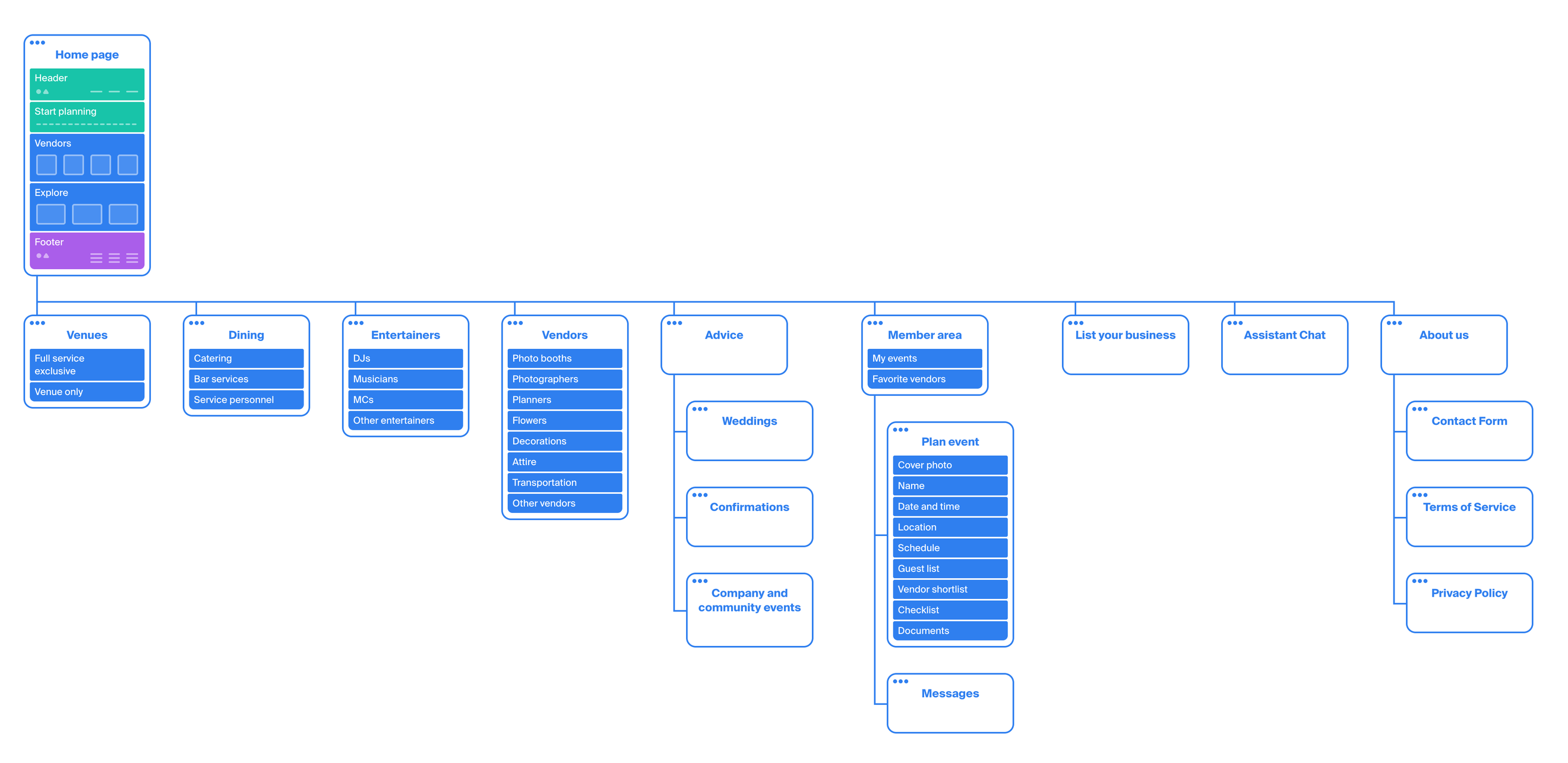
Using card sorting and conversations with 5 qualified users, as well as analysis of key features, I developed a sitemap.
The most important decisions were to organize vendors into 4 main categories with concise names, as well as emphasizing browsing and exploration over searching when discovering vendors.
Interaction design
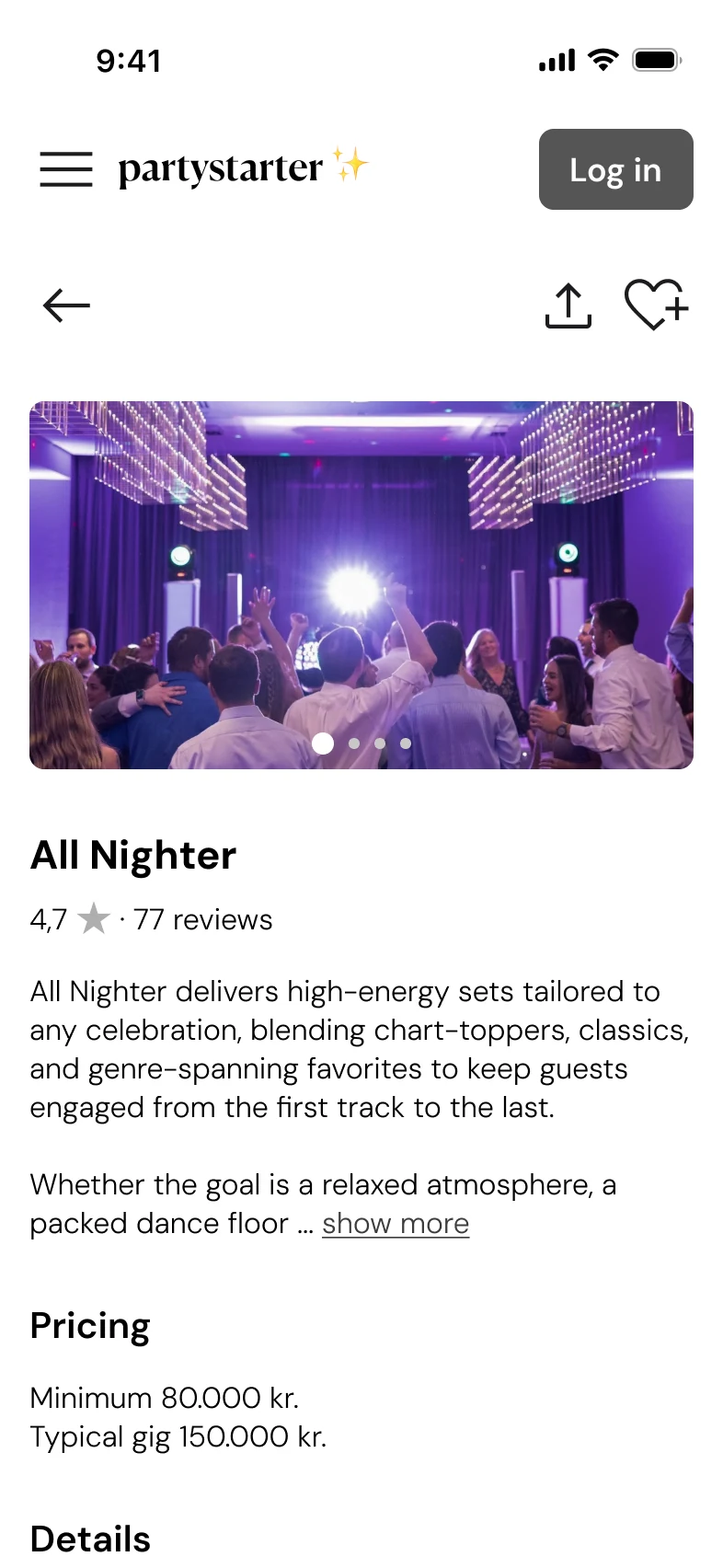
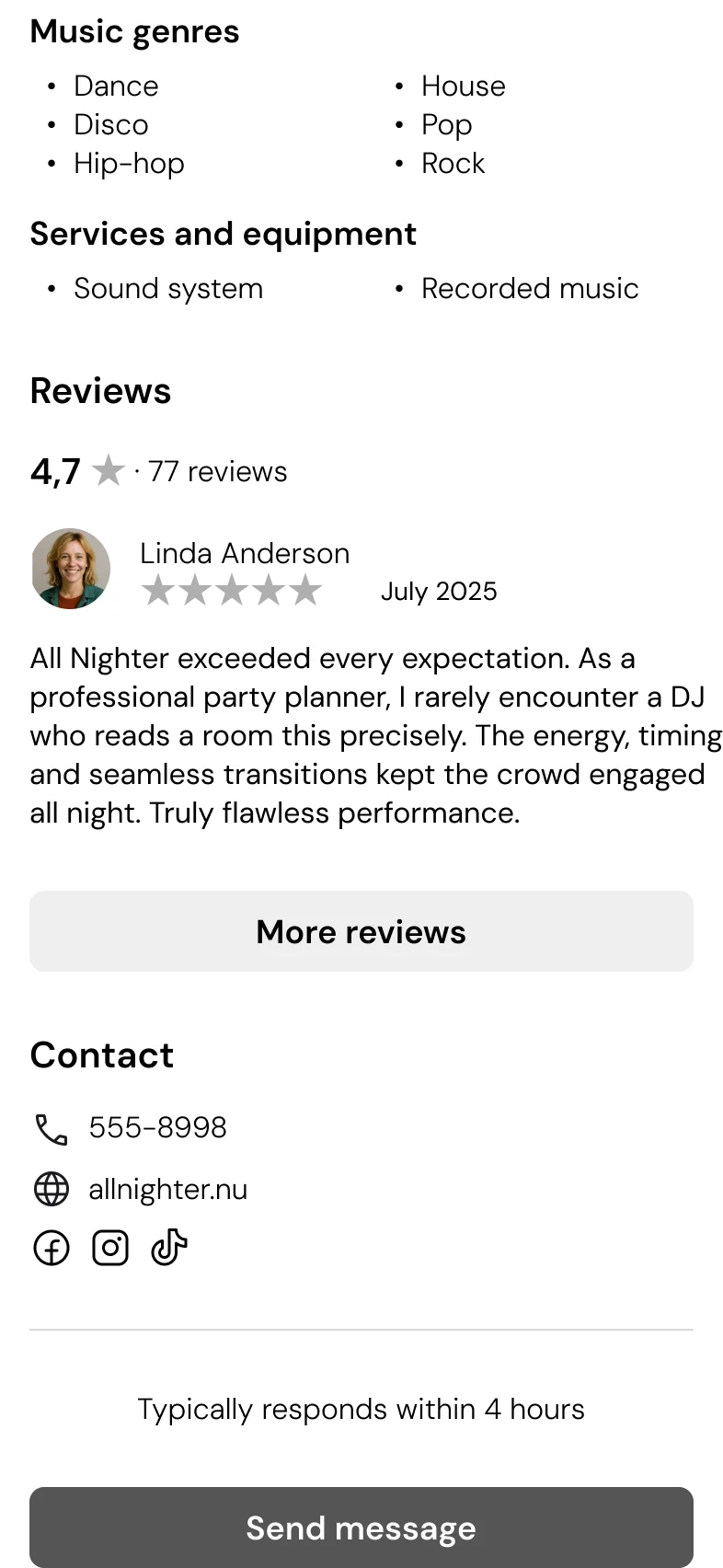
I explored key interactions with user flows and task flows, and then created lo-fi wireframes for key screens.
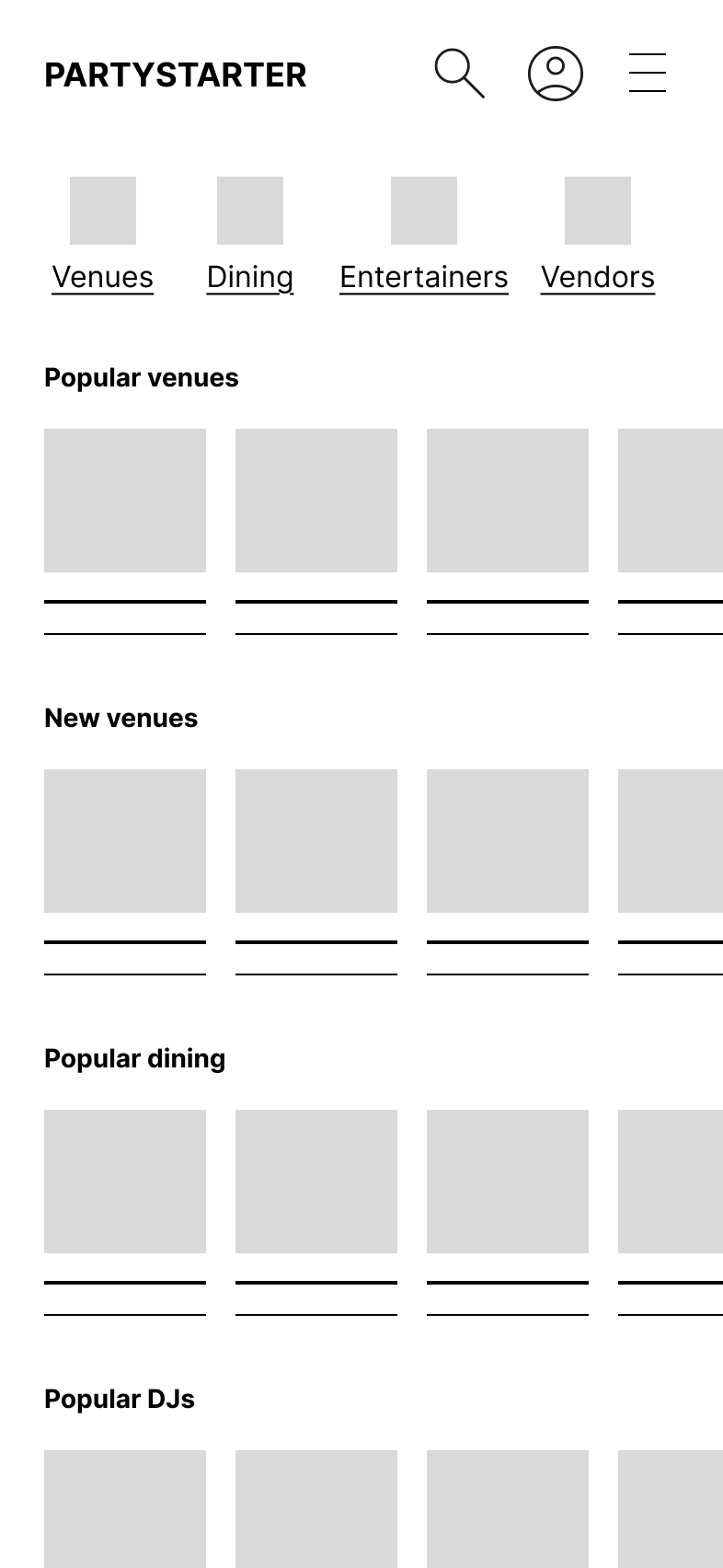
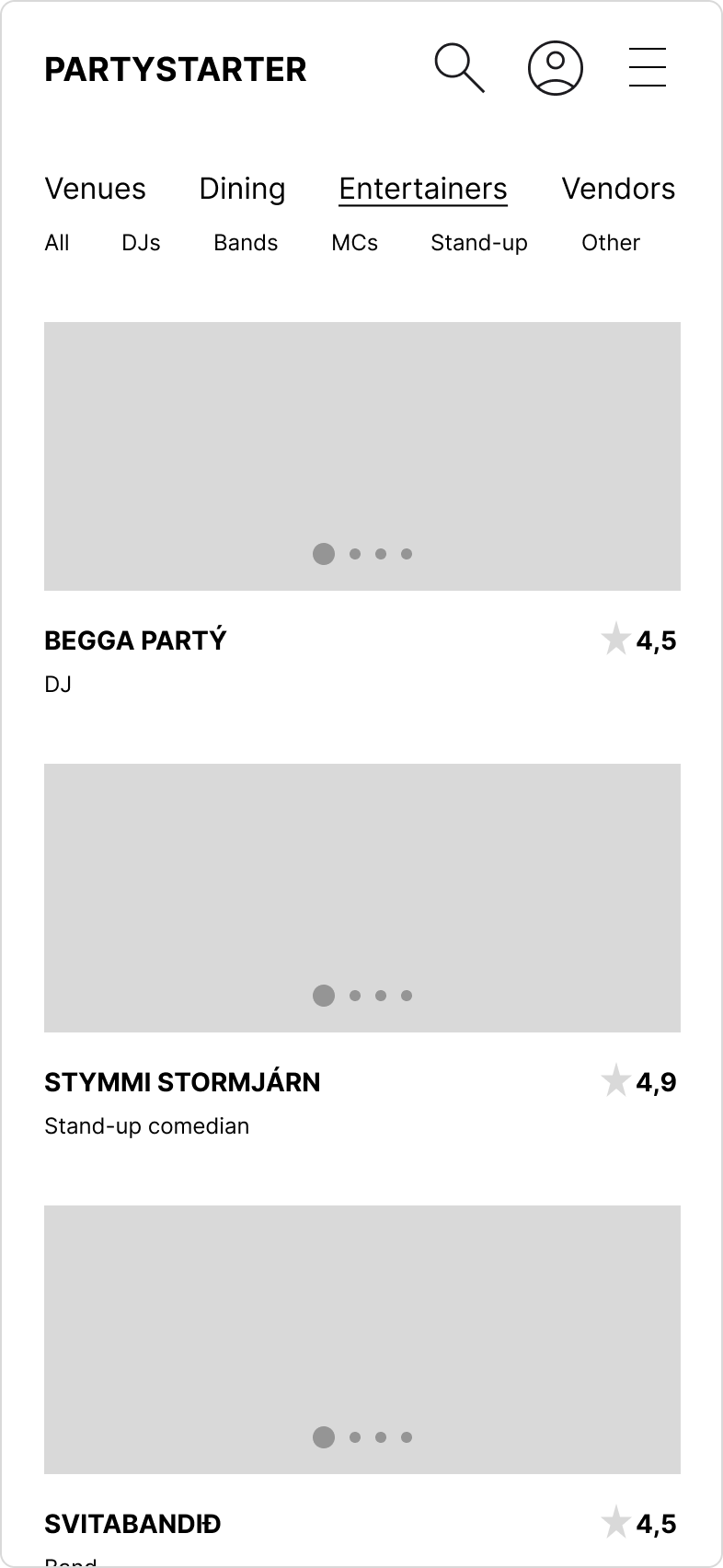
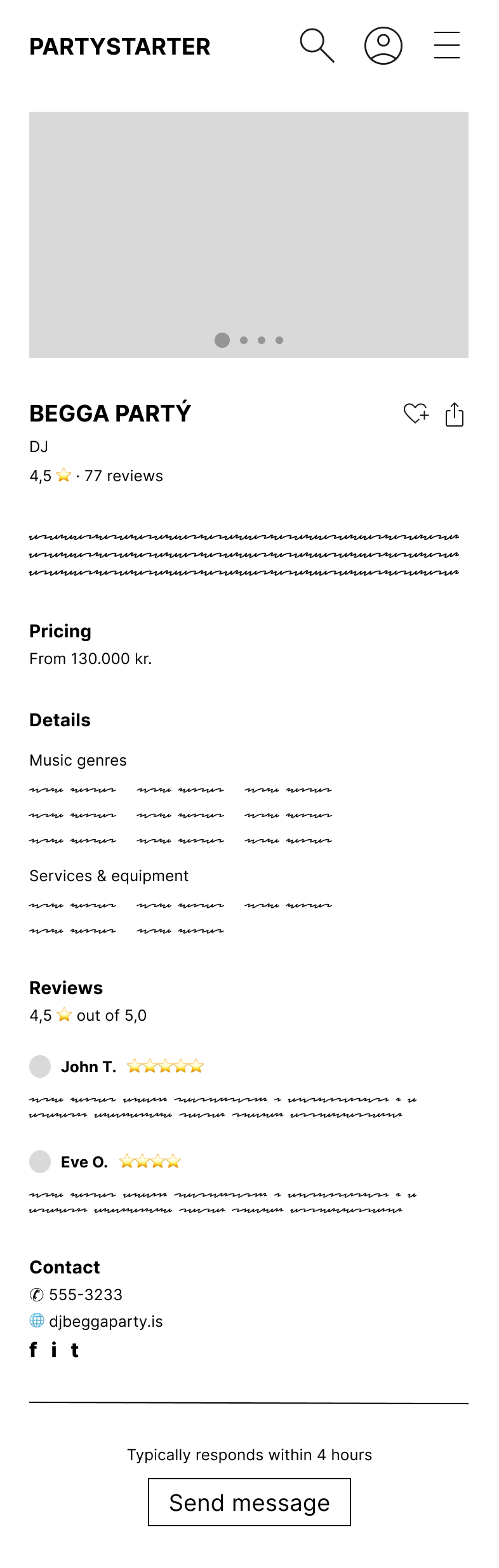
After receiving some peer feedback on the lo-fi wireframes, I iterated and refined the wireframes to mid-fi, both mobile and desktop.
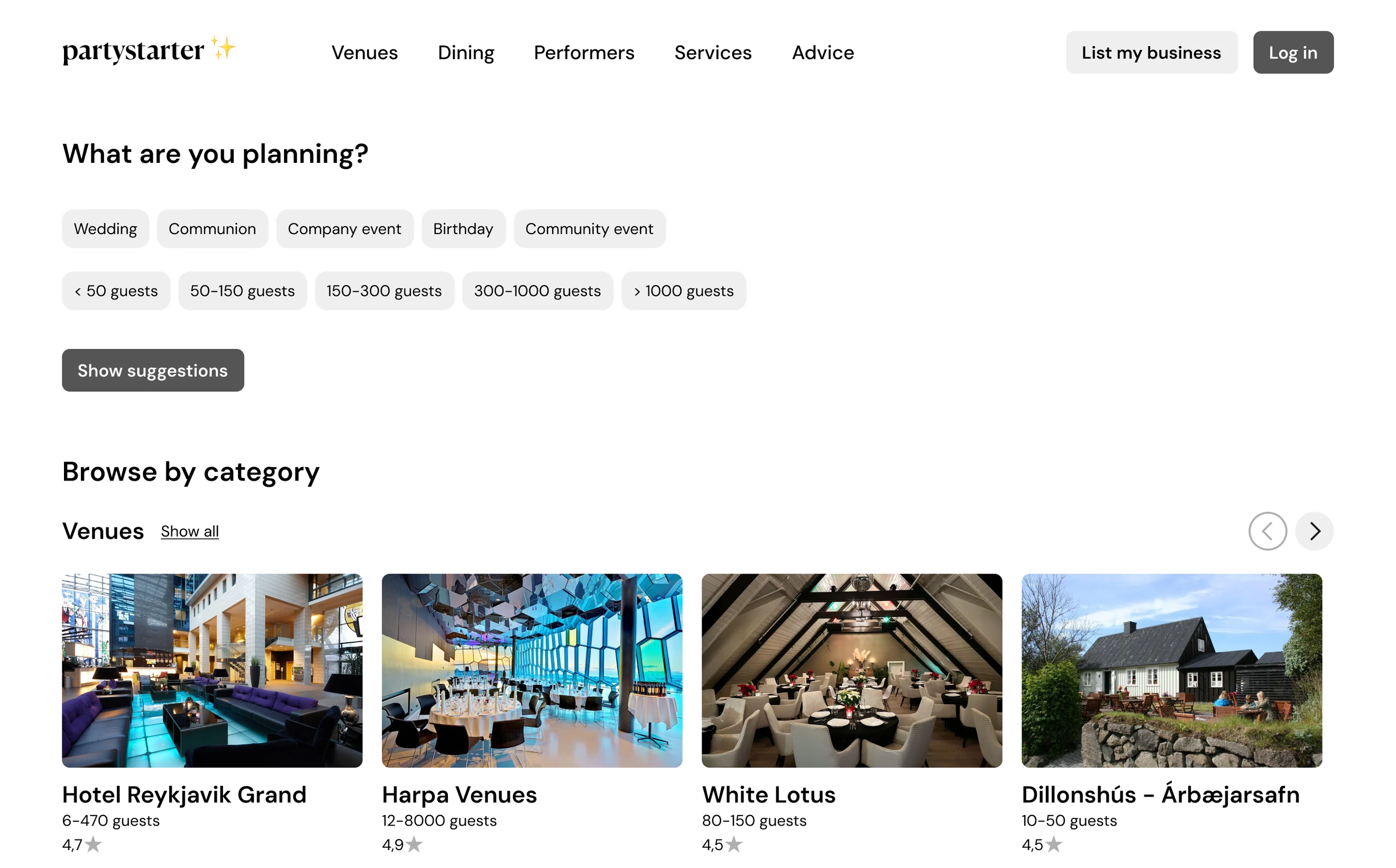
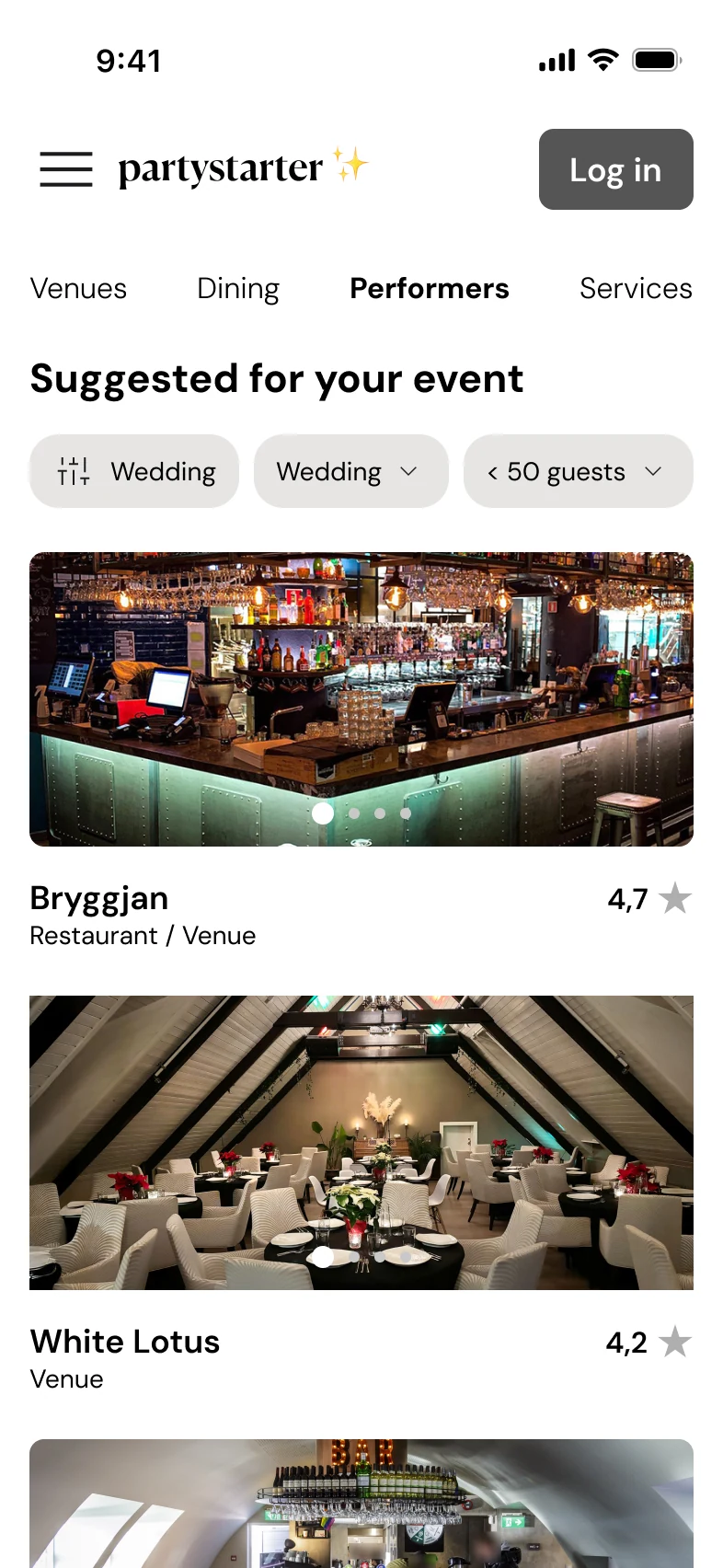
Branding
Based on the research and product concept, I identified the brand values: inspiration, imagination, organization and celebration. I wanted to help event planners get inspiration and create unique events where their imagination and creativity runs free. They also need to stay organized.
The name Fagna is unique and easy to pronounce. It means “to celebrate” in Icelandic.
Colors
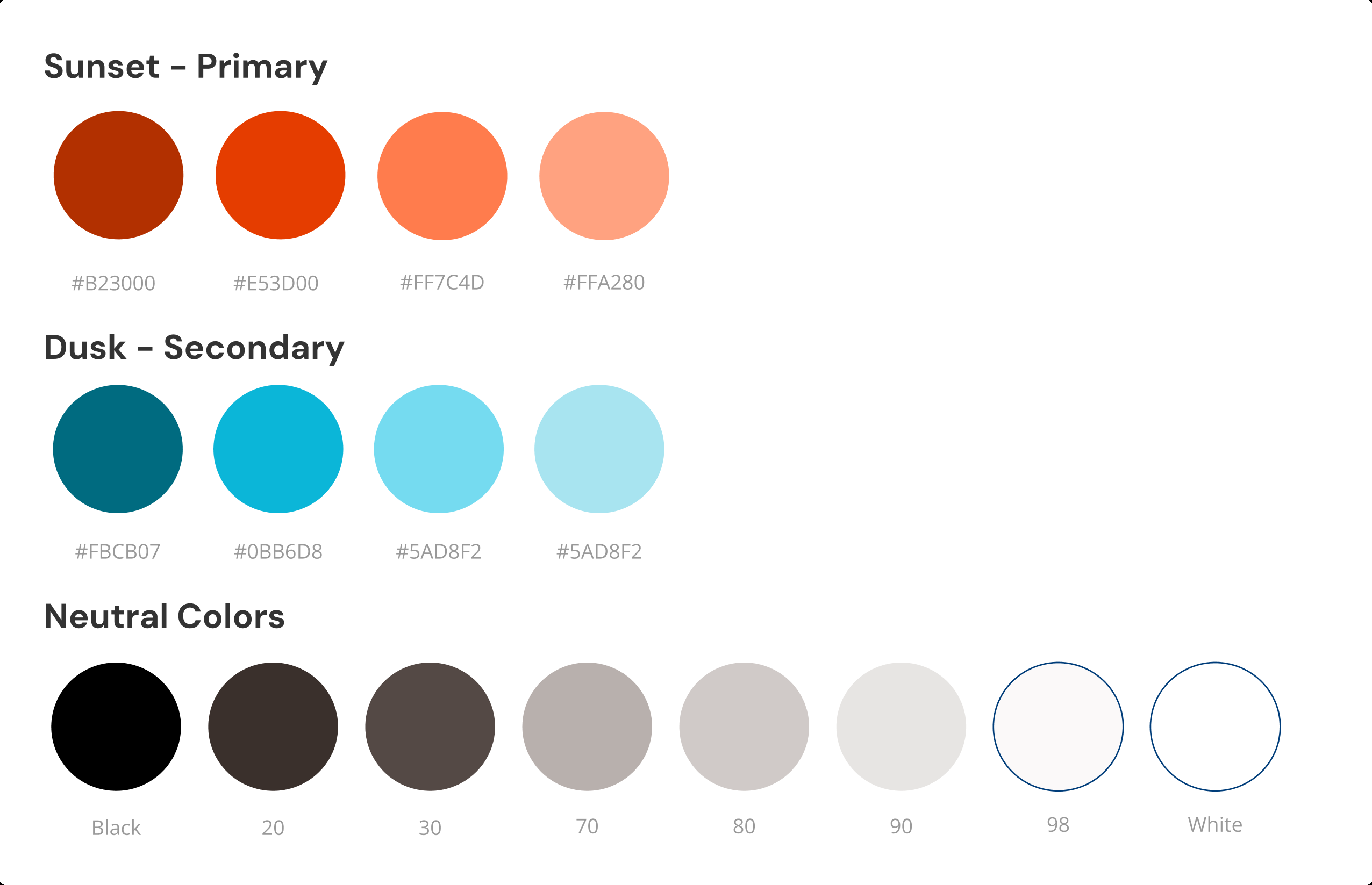
The colors represent a happy vibe and high energy. The primary color, Sunset Orange, is bright and in your face, yet accessible.
Logo
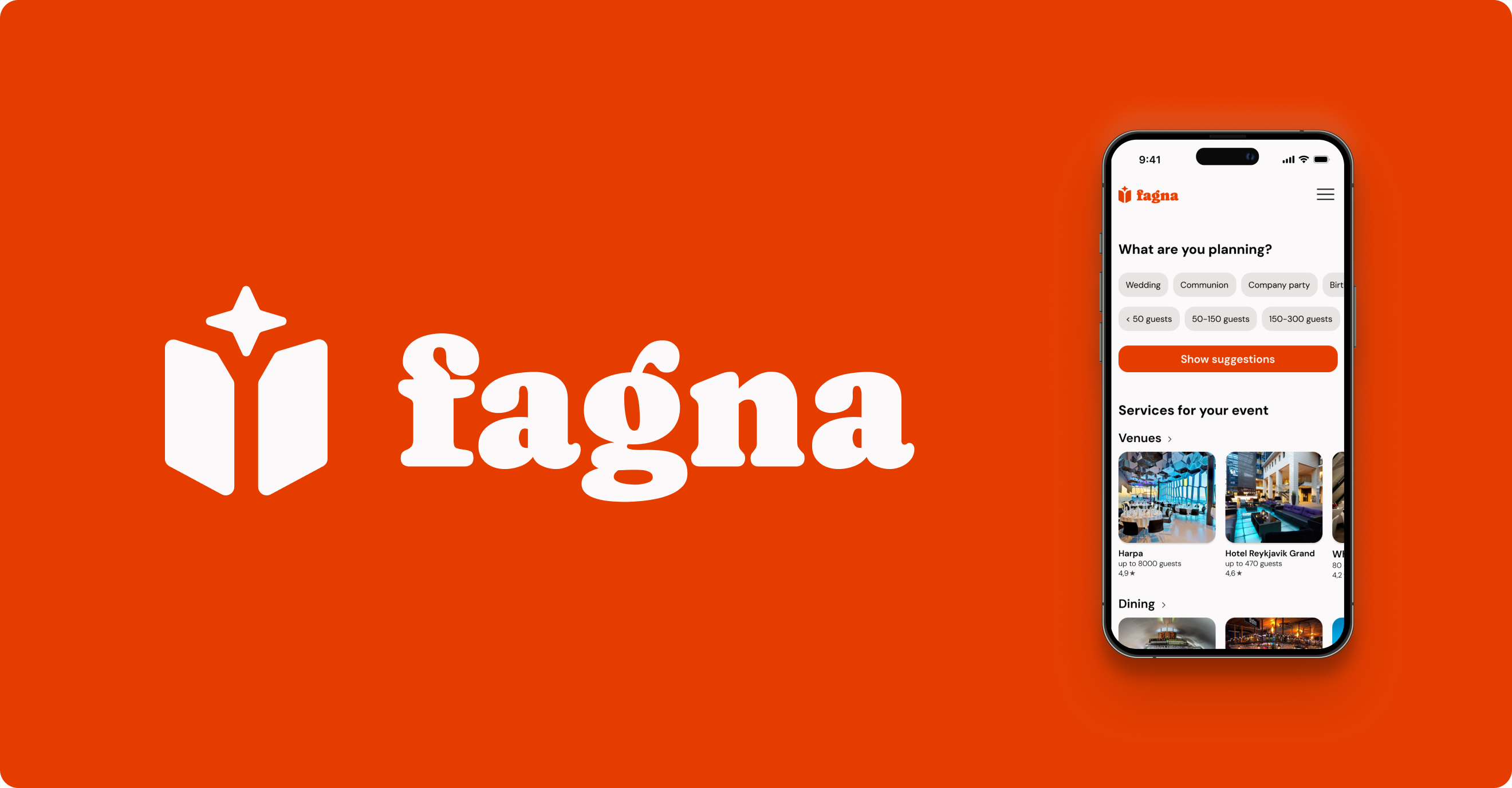
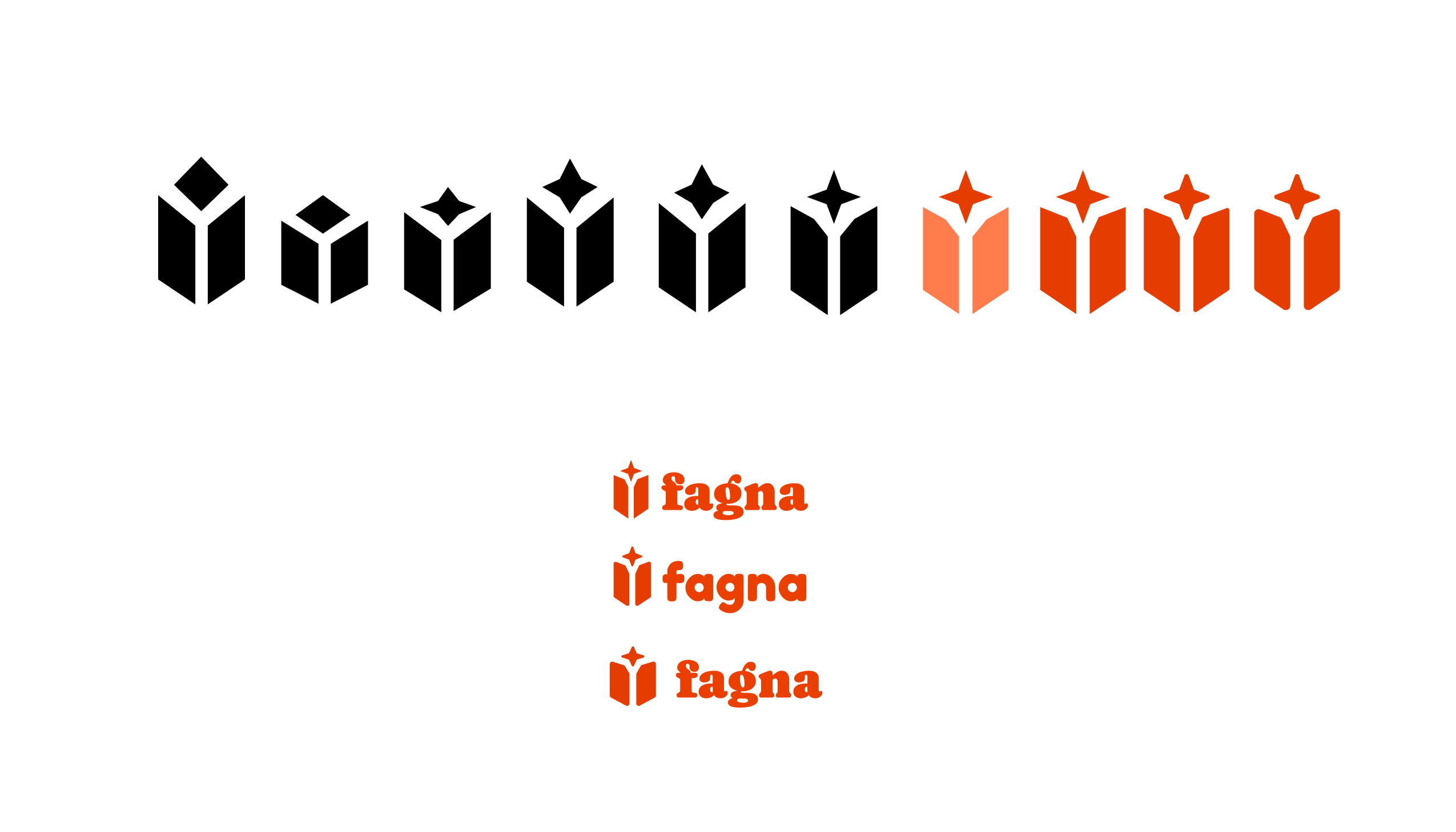
The logo signifies a folder or book (organization) and a symmetric 4-pointed star (creativity, inspiration, magic) appearing from it.
Typography
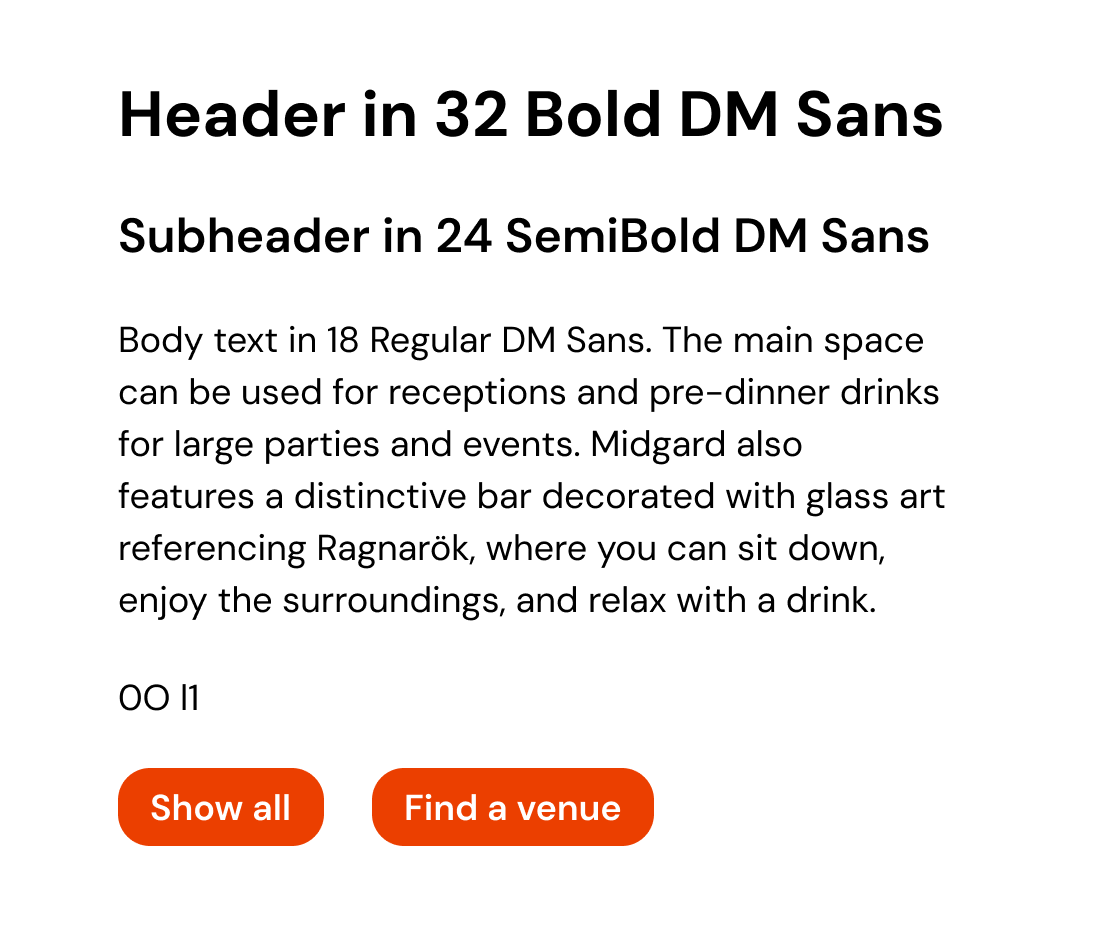
The typeface, DM Sans, is a modern, geometric sans-serif. It is highly readable, scalable and versatile, with a friendly and approachable, yet trustworthy vibe. It perfectly balances neutrality and trust with warmth, friendliness and approachability.
Prototyping
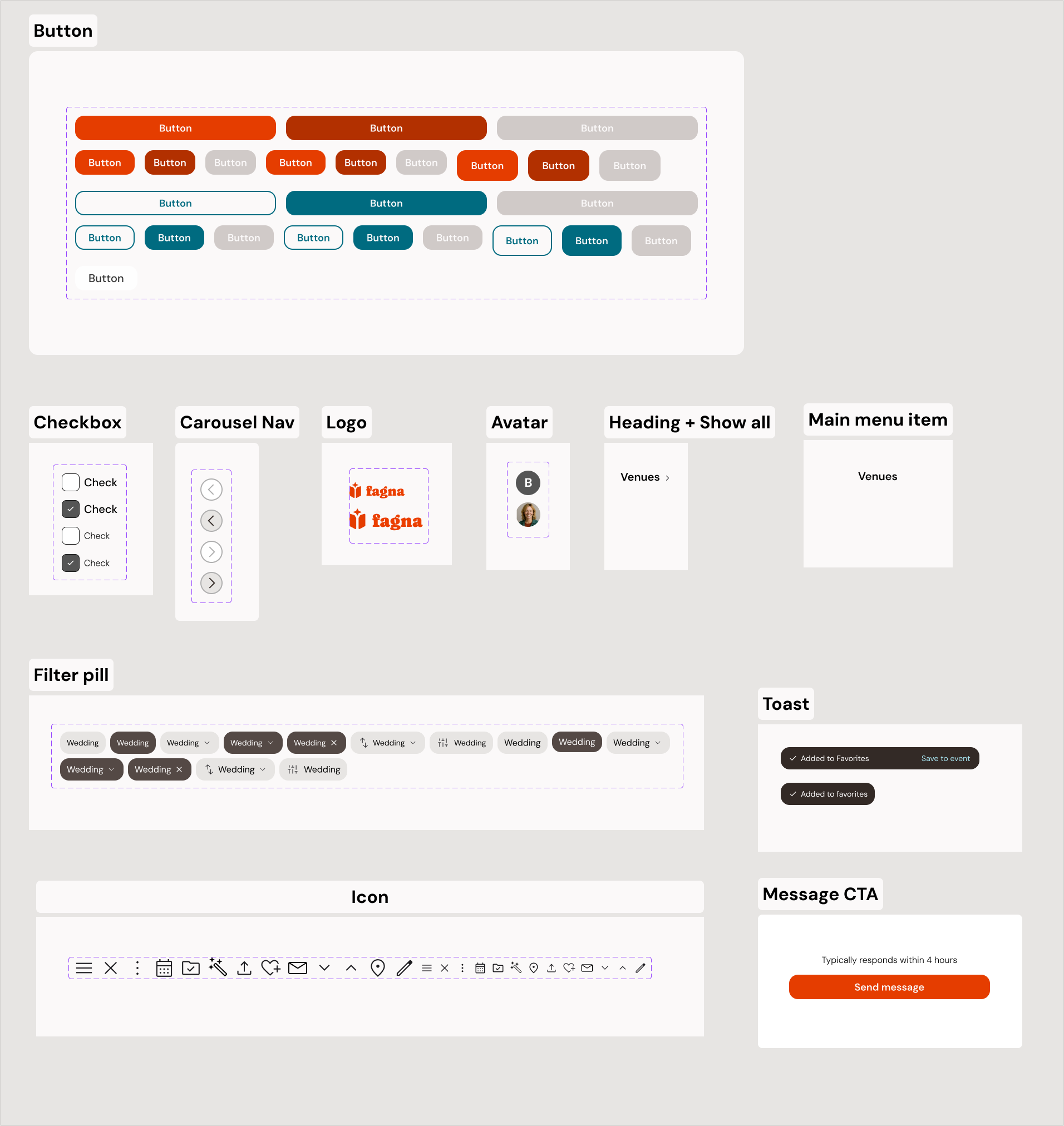
After developing the brand, I designed on-brand UI components, iterated the wireframes and developed them into a hi-fi prototype.
Final result
I started with a very broad scope, aiming to help event planners focus on what matters but no obvious problem trigger.
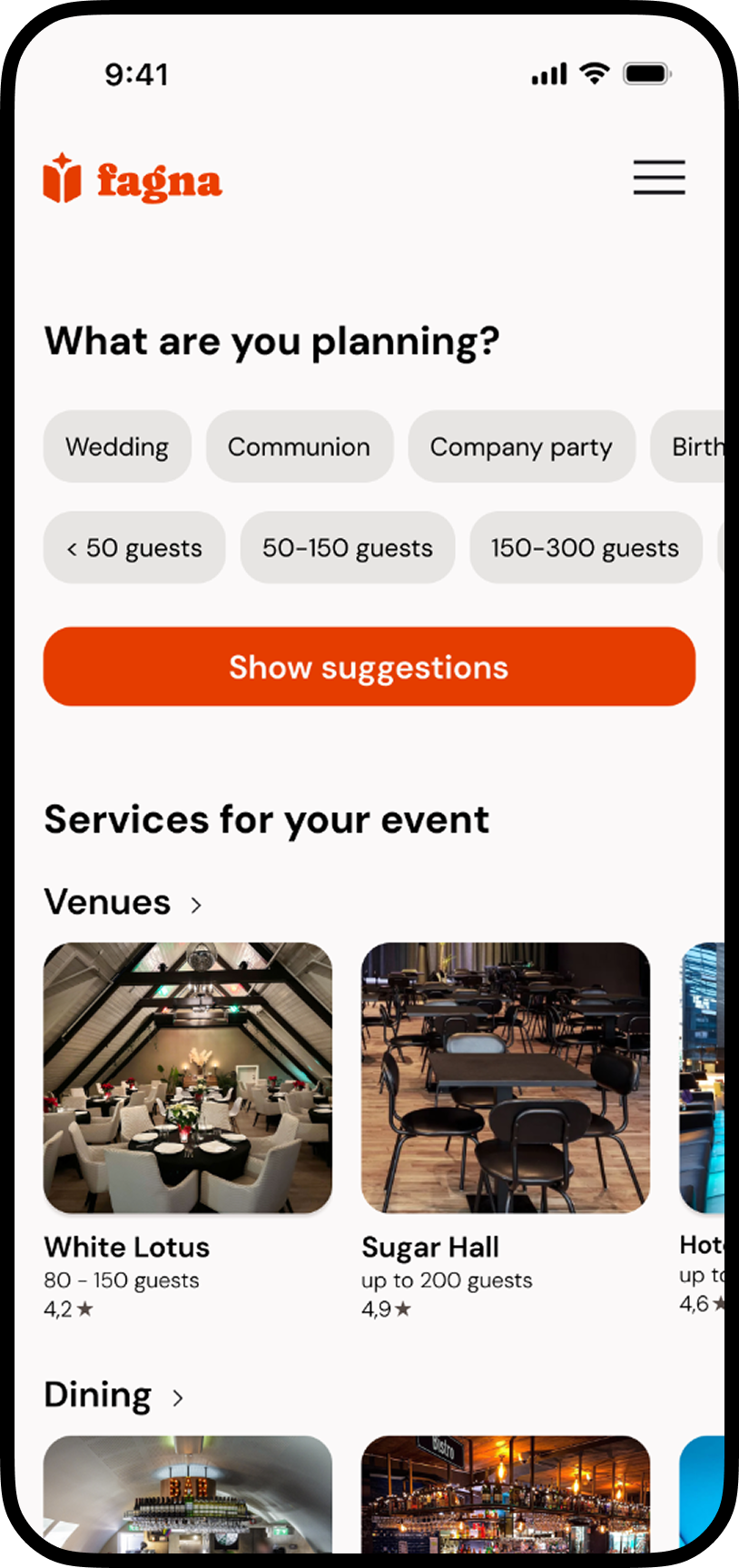
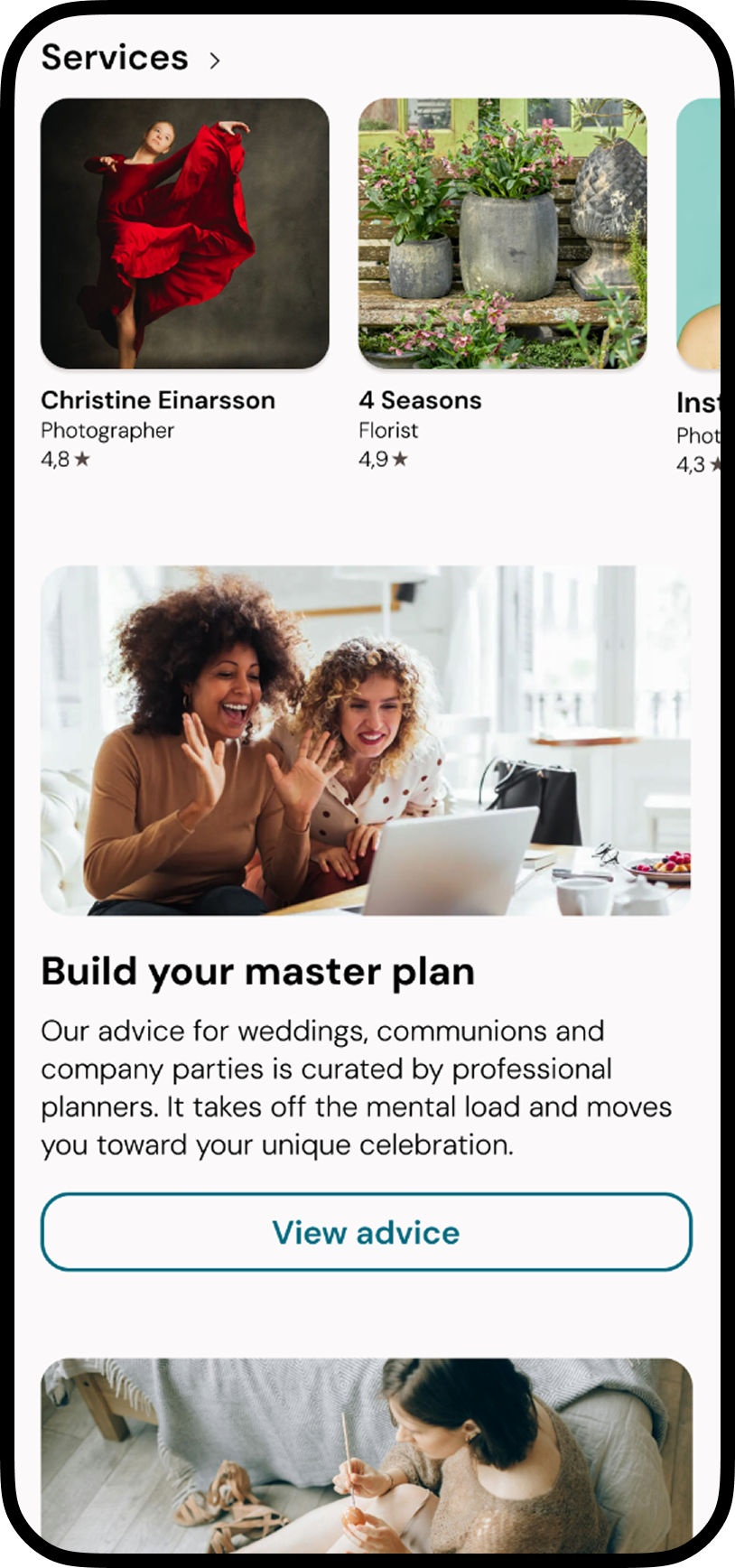
The result is a smooth and usable web app for event planners that has the potential to be the go-to place for discovering vendors and good advice. There are definitely similar products in other markets, but Fagna sits in a comfortable niche - it's optimized for the Icelandic market and does a great job for overwhelmed one-off event planners and repeat amateur planners, such as company committees.